Tutorial · macOS Ventura & later
Disable IPv6 on Mac
To prevent IPv6 leaks while using the VPN, turn IPv6 off on your Mac. Pick one of two methods: Network settings, or Terminal.
Method 1
From Network settings
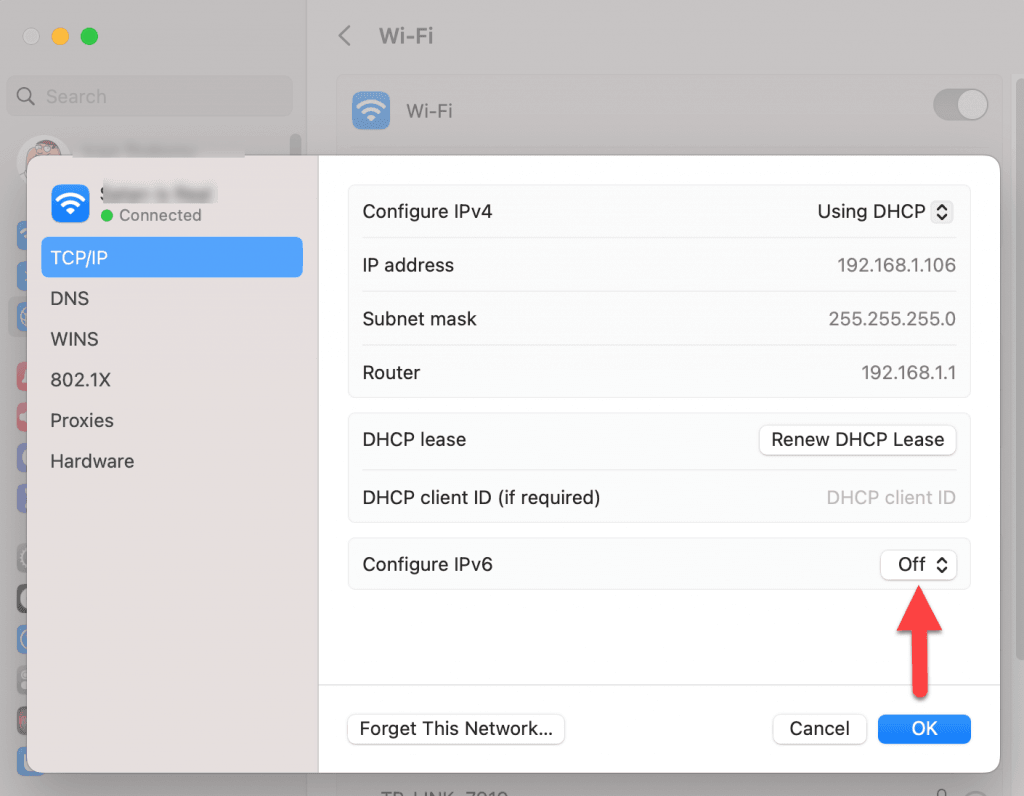
Open System Settings → Network. Select your active interface (Wi-Fi or Ethernet), click Details, then the TCP/IP tab, and switch Configure IPv6 to Off.
Method 2
From Terminal
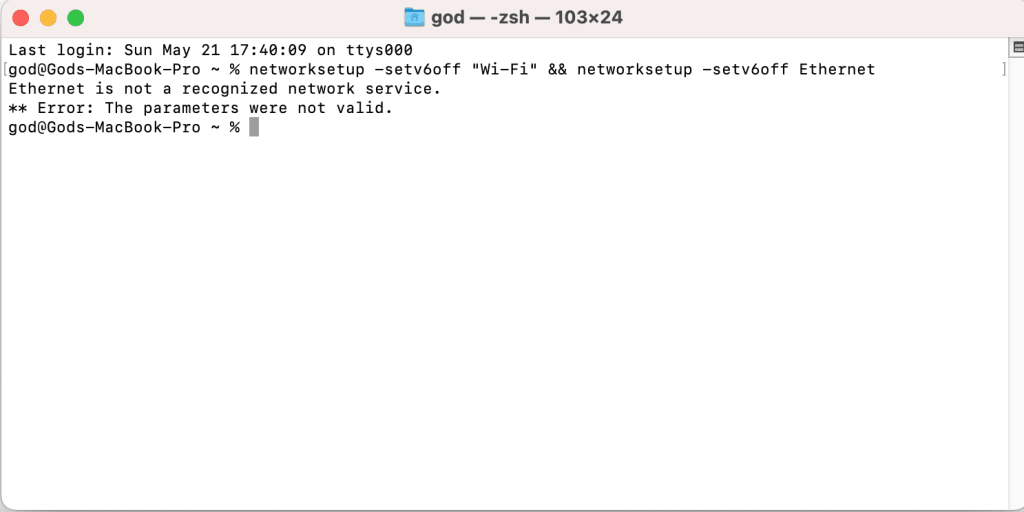
Open Terminal (Applications → Utilities → Terminal), paste the following command and press Enter:
networksetup -setv6off "Wi-Fi" && networksetup -setv6off Ethernet