Tutorial · Smart TV & Android box
VPN on Android TV
Install monVPN v3 on your Android Smart TV or Android box, from the Play Store — or via APK on a USB stick if the app does not show up there.
How it works
Install in three steps
-
1
Install the app
Search for monVPN v3 in your Android TV's Play Store and install it.
If the app does not show up in the Play Store, download the APK, copy it to a USB stick, plug it into your TV and open the
.apkfile. You may need to allow installs from unknown sources in settings. -
2
Sign in
Enter your VPN credentials (client area → Services → your active VPN service). Case-sensitive.
-
3
Pick a server
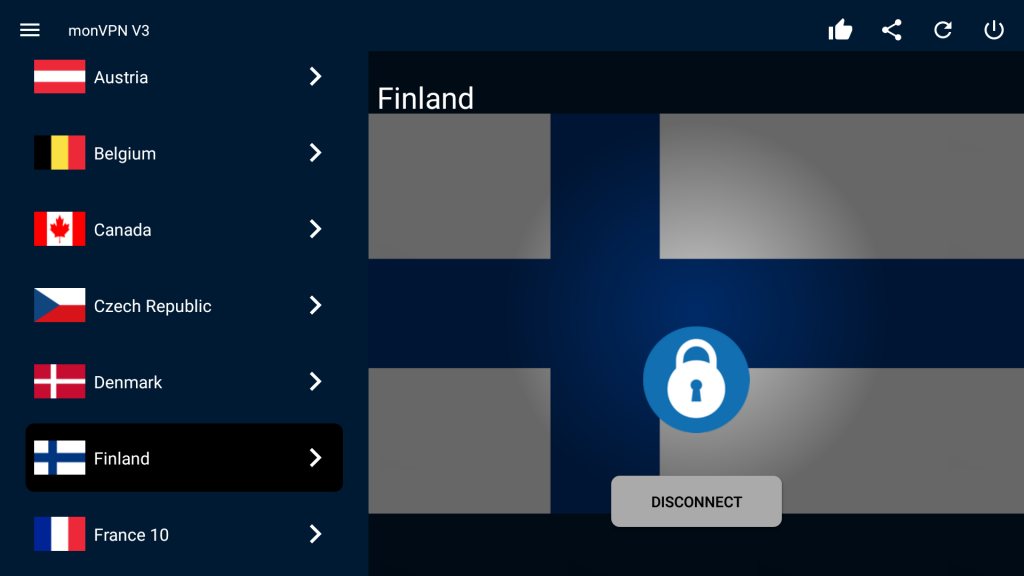
With your remote, select a server from the list and confirm to connect or disconnect.
Preview
monVPN on the big screen