Tutorial · Android phones & tablets
VPN for Android — install monVPN v4
The simplest Android VPN app to use. Fast server switching, one-tap connect, and per-app VPN to choose which apps go through the tunnel.
How it works
Install in three steps
-
1
Install from Google Play
Open the Play Store and install monVPN v4. Or tap below.
Open in Google Play -
2
Sign in
Enter your VPN credentials (available in client area → Services → your active VPN service). Case-sensitive.
-
3
Pick a server
Pick a server from the list and tap it to connect or disconnect.
Preview
The app in pictures

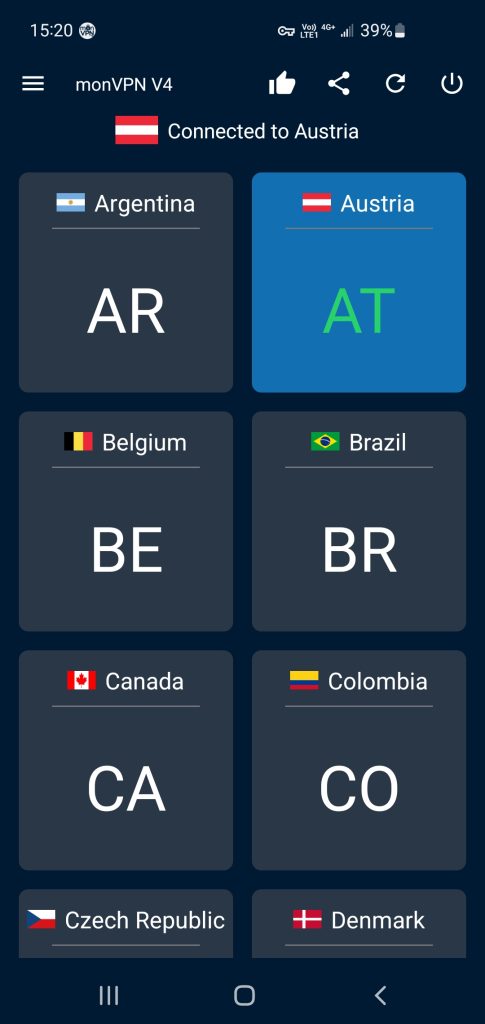
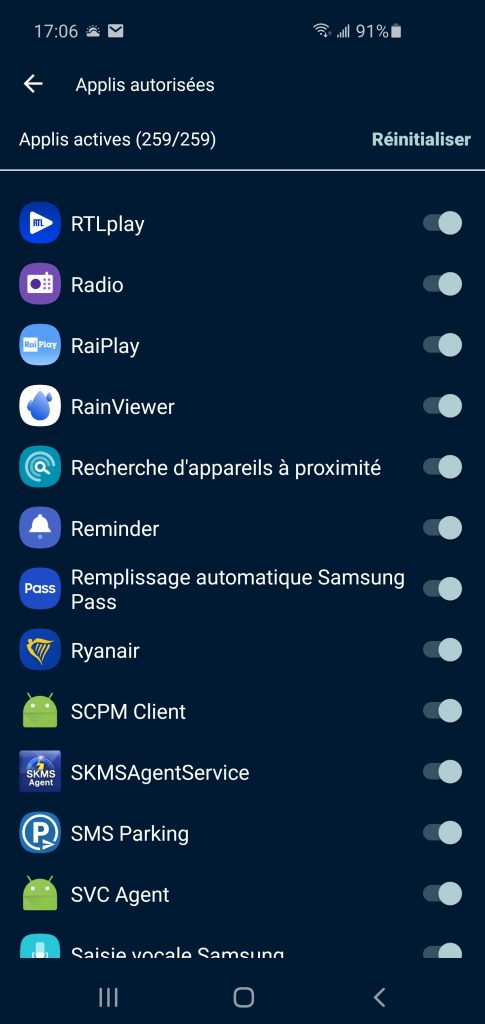
With per-app VPN, you choose which apps go through the encrypted tunnel and which talk to the internet directly. Handy for apps that need your local IP — like your banking app.