monVPN on Firestick
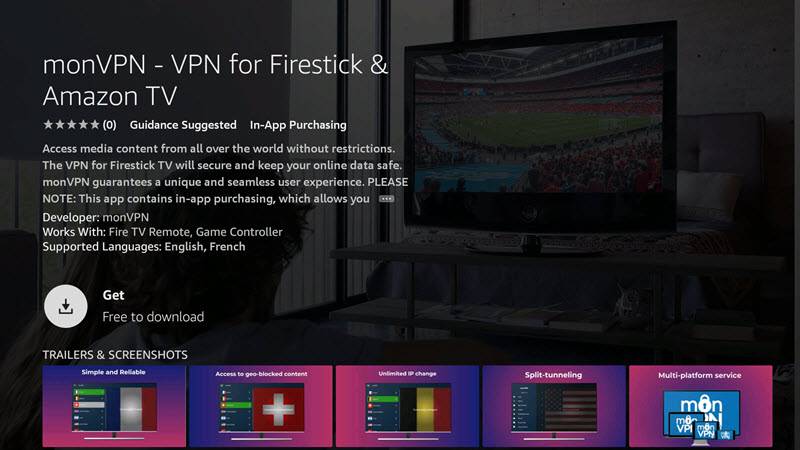
The monVPN app is on the Amazon Appstore — for free. Bypass geo-blocks, encrypt your traffic and reach your favorite services on the road, straight from your Fire Stick.
Why a VPN on Fire Stick?
A VPN on Fire Stick gets around geo-restrictions and encrypts your traffic. Your IP is hidden, your activity stays private, and you reach your usual channels and services wherever you are.
Bypass geo-blocks
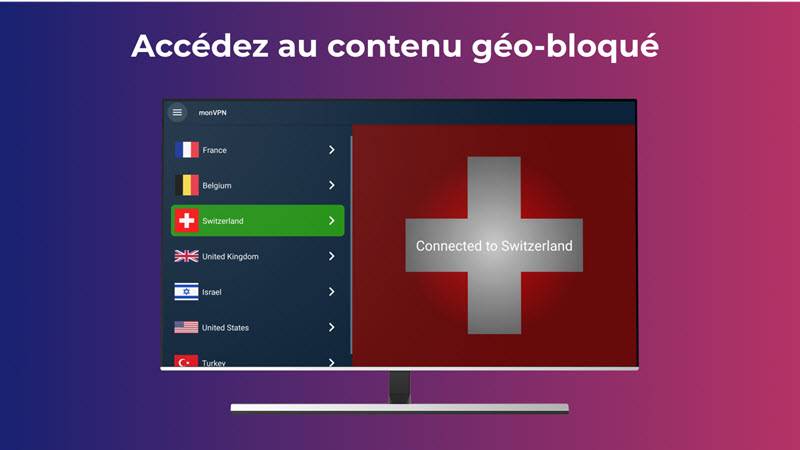
Reach content that would otherwise be blocked in your country.
Encrypted traffic
Your online activity stays anonymous — no one watches over your shoulder.
Fast and reliable
Servers across Europe and the world for smooth streaming.
Install free on Fire Stick
-
1
Find the app
From your Fire Stick, search for monVPN in the Amazon Appstore.
-
2
Download and install
Download monVPN and run the installer — only takes a few seconds.
-
3
Connect
Launch the app, pick a server with the remote and connect.
Tip: split-tunneling
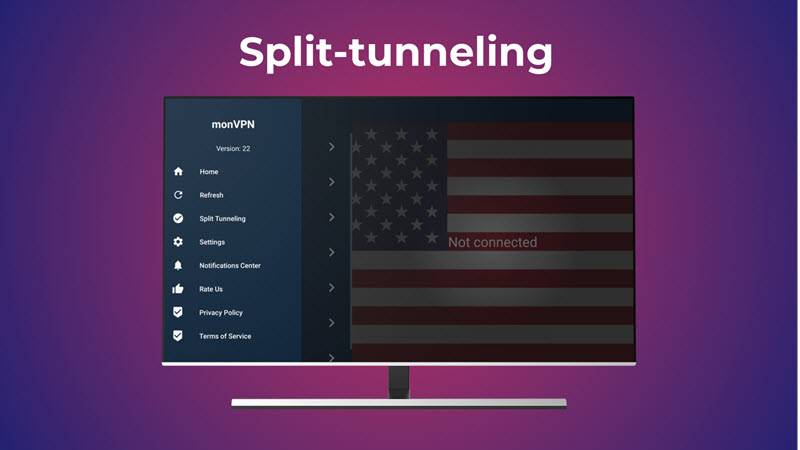
Enable split-tunneling to choose which apps go through the VPN and which talk to the internet directly. Great for keeping local-IP apps untouched while encrypting everything else.
Is it a free VPN for Firestick?
The monVPN app comes in free and premium flavors. The difference is the time you can use it — speed, reliability and servers are the same. With more than fifteen years in the VPN business, monVPN is a reliable choice for Fire Stick and Fire TV users.
Setup is quick: protect your privacy and bypass geo-restrictions in minutes.